Cable TV Subscription Renewal Guide
Last Reviewed Date: 29/4/2026
AirtimeFlip Cable TV Subscription service allows users to renew and pay for their cable TV packages (DStv, GOtv and StarTimes) instantly online. This service is designed for households and businesses that want fast, reliable subscription renewal without service interruptions.
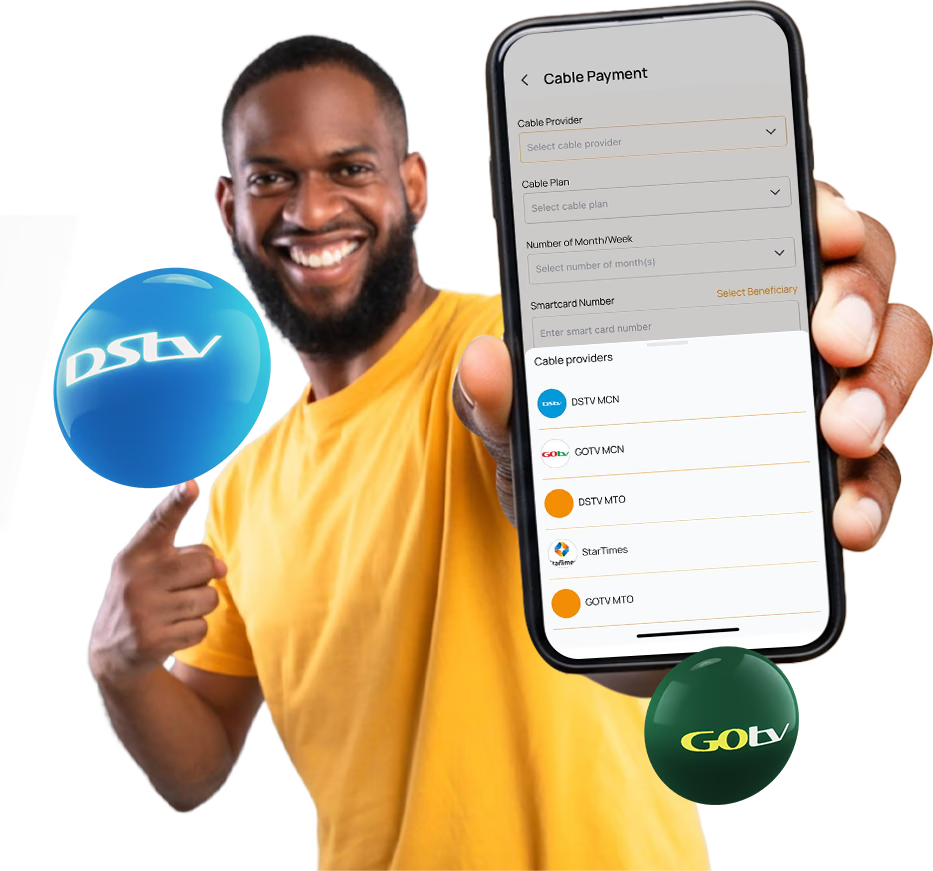
If you have an expiring or expired cable TV subscription in Nigeria, follow the instructions given below to renew your cable bouquets (packages) using AirtimeFlip:
Step 1: Get Started
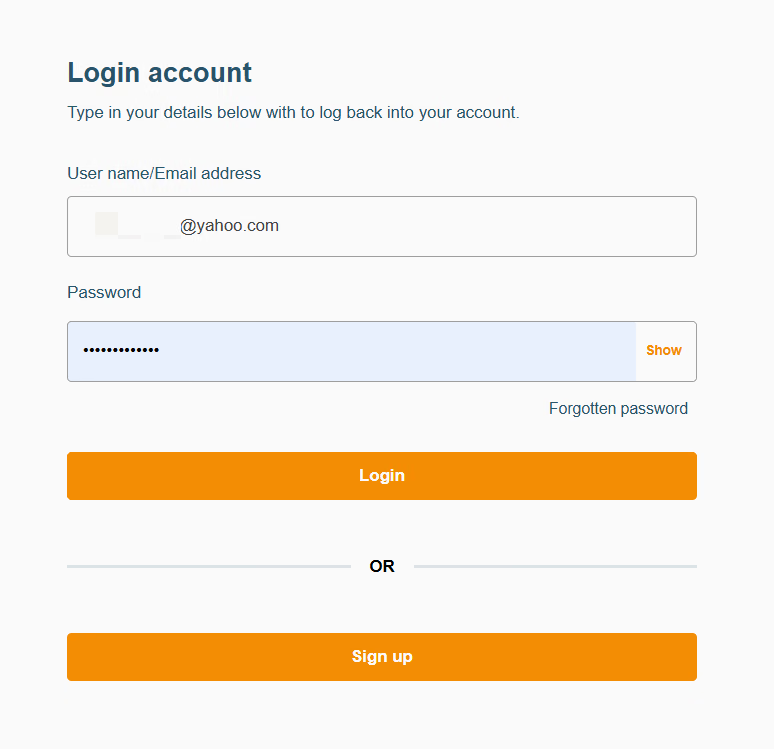
Access your AirtimeFlip dashboard by signing up or logging into your existing account through our website or mobile app (Android and iOS).
Step 2: Verify Account
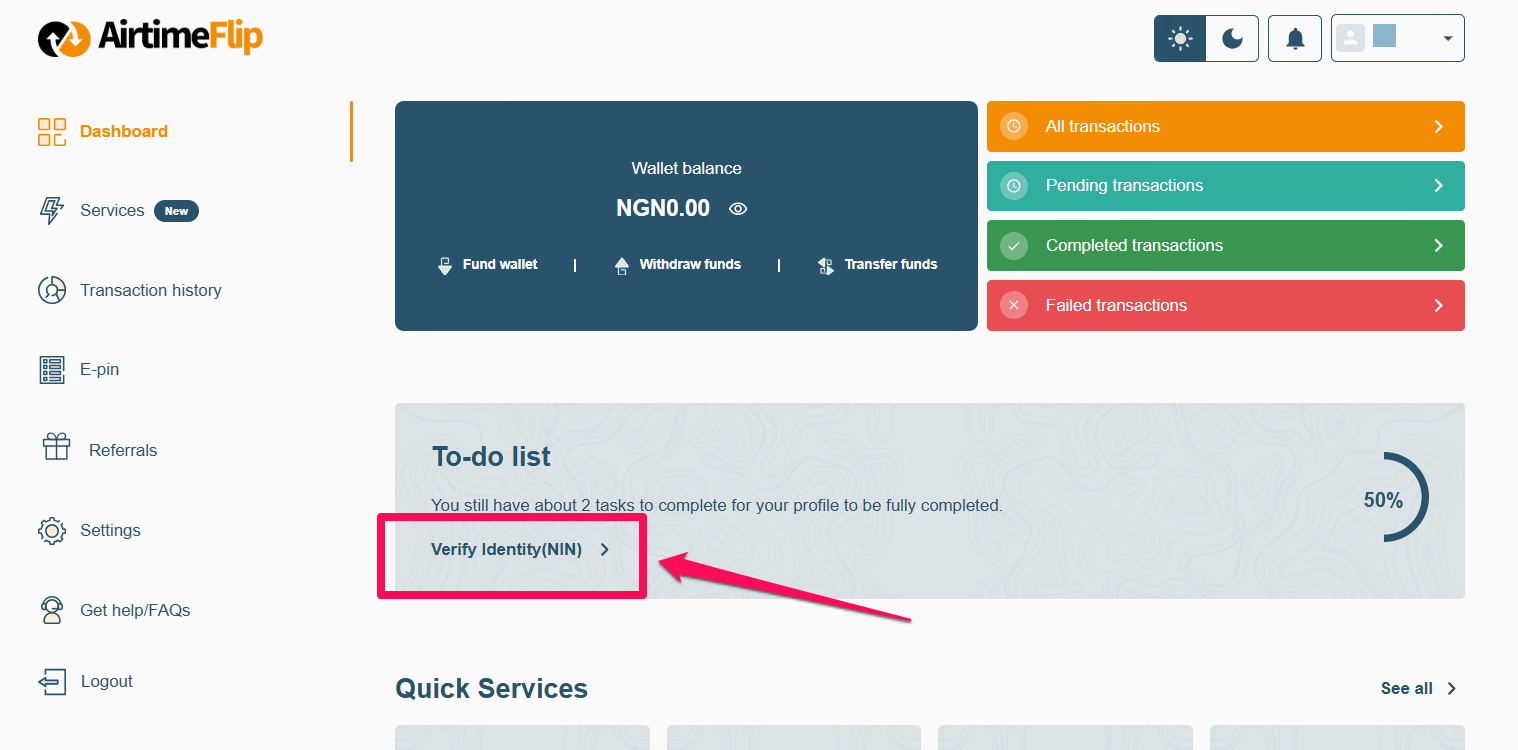
Go to your AirtimeFlip profile dashboard and complete the required verification steps. You may need to provide details such as your NIN or BVN, depending on your KYC level.
Doing this will grant you full access and unlock the wallet funding capability needed in the next step.
Learn more about account types and KYC levels here.
Note: Skip this step if you are an existing user and have an already verified account.
Step 3: Fund AirtimeFlip Wallet
From within your AirtimeFlip dashboard, top up your wallet with enough to cover your cable subscription. You can pay via bank transfer or card (debit or credit), whichever is easiest for you. Just a quick reminder to add a little extra for the 1% funding fee, so you have exactly what you need to renew.
For example, if your cable subscription is ₦10,000, adding an extra ₦100 will cover the fee and ensure your payment goes through without any hitches.
Note: Your AirtimeFlip account must be verified using your NIN (National Identification Number) to continue.
Step 4: Choose Cable Payment Category
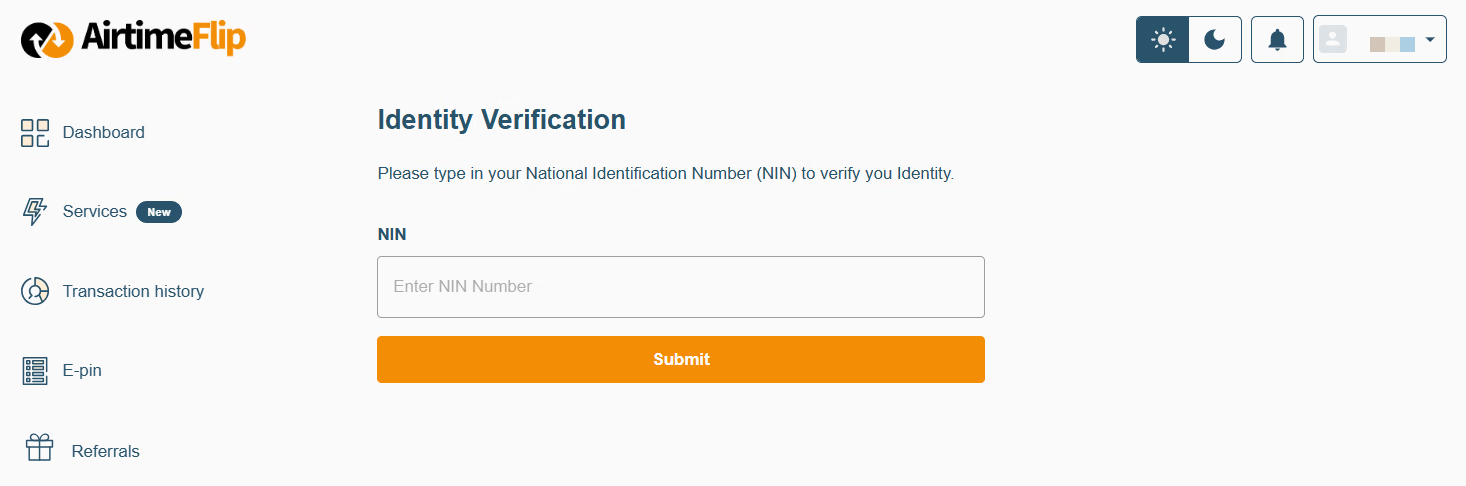
Go to Services, then select ‘Bill Payment’. Then choose the ‘Cable Payment’ category type.
Step 5: Enter Cable TV Details
Select your preferred TV service (e.g., DStv, GOtv or StarTimes) under ‘Cable Services’, then choose a ‘Subscription Plan’, the number of months you want your subscription to last and your smartcard/IUC number.
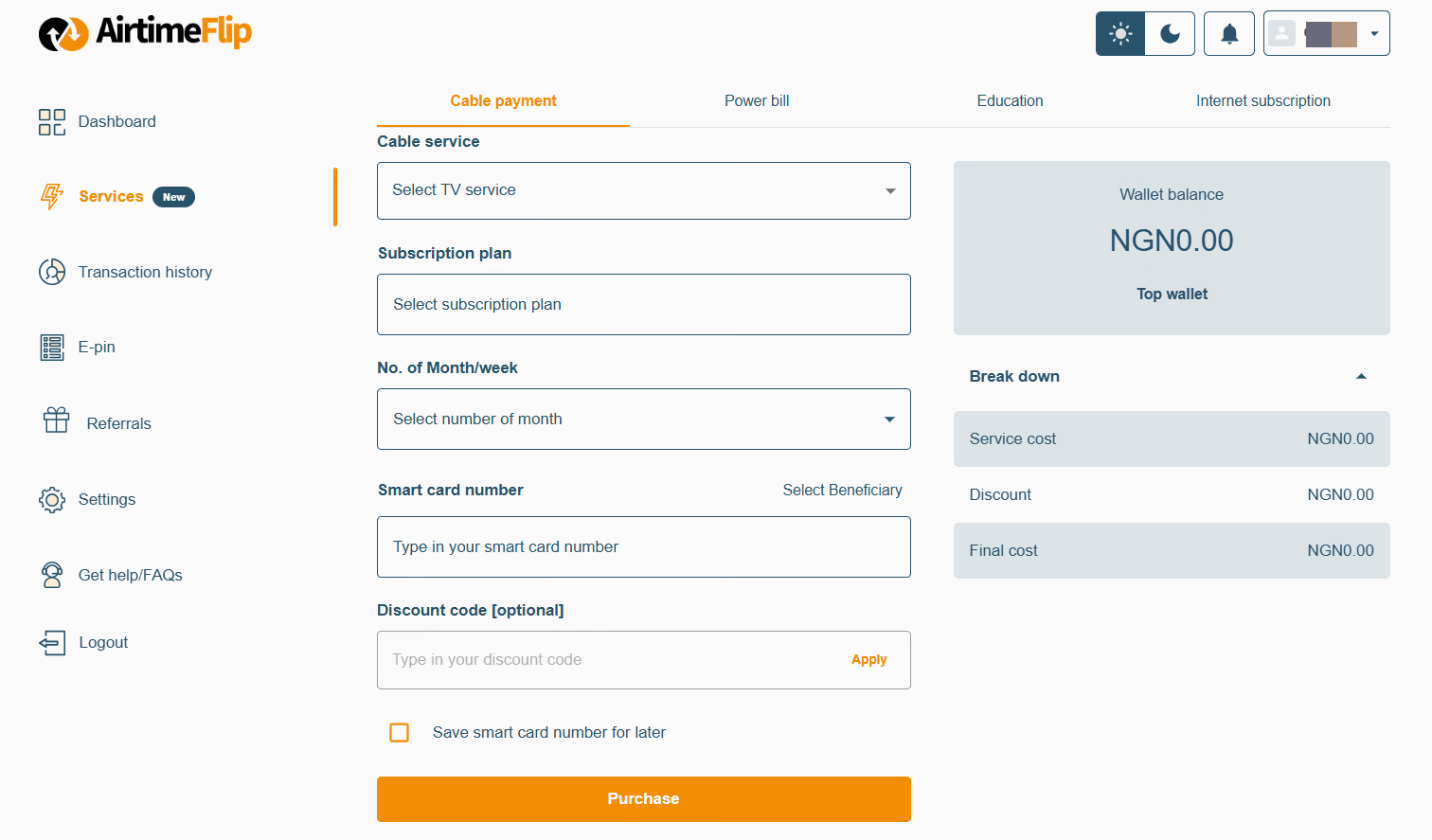
Here are the cable TV packages (bouquets) available on AirtimeFlip:
| DStv | GOtv | StarTimes |
|---|---|---|
| Premium, Compact Plus, Compact, Confam, Yanga, and Padi. | GOtv Supa Plus, GOtv Supa, GOtv Max, GOtv Jolli, GOtv Jinja, and GOtv Smallie. | Antenna (DTT) Packages
(StarTimes ON App)
|
Step 6: Complete Purchase
After entering all the necessary details, complete the cable TV renewal by selecting ‘Purchase’ > enter your 4-digit security PIN to confirm. As soon as the payment is verified, your cable TV subscription will be activated instantly, and you can start watching your favourite TV shows.
That’s it!
Beyond bill payments, you can also convert airtime to cash, buy airtime, buy data, purchase international airtime and data, get eSIMs, buy bulk airtime, buy gift cards, and fund your betting account all in one place. Read more about AirtimeFlip.
Need any help? Reach out via our Contact page
Share this guide