Are you looking for the fastest and most reliable way to renew your DStv subscription online? You’re in the right place to learn ways to renew your account online effortlessly. Having a DStv in your home is one of the coolest ways to enjoy your holidays and weekends, yeah… There are plenty of channels to enjoy different entertainment content, documentaries and so on. But what about an unexpected expiration of your plan, and you can’t run out to a nearby office to reactivate it?
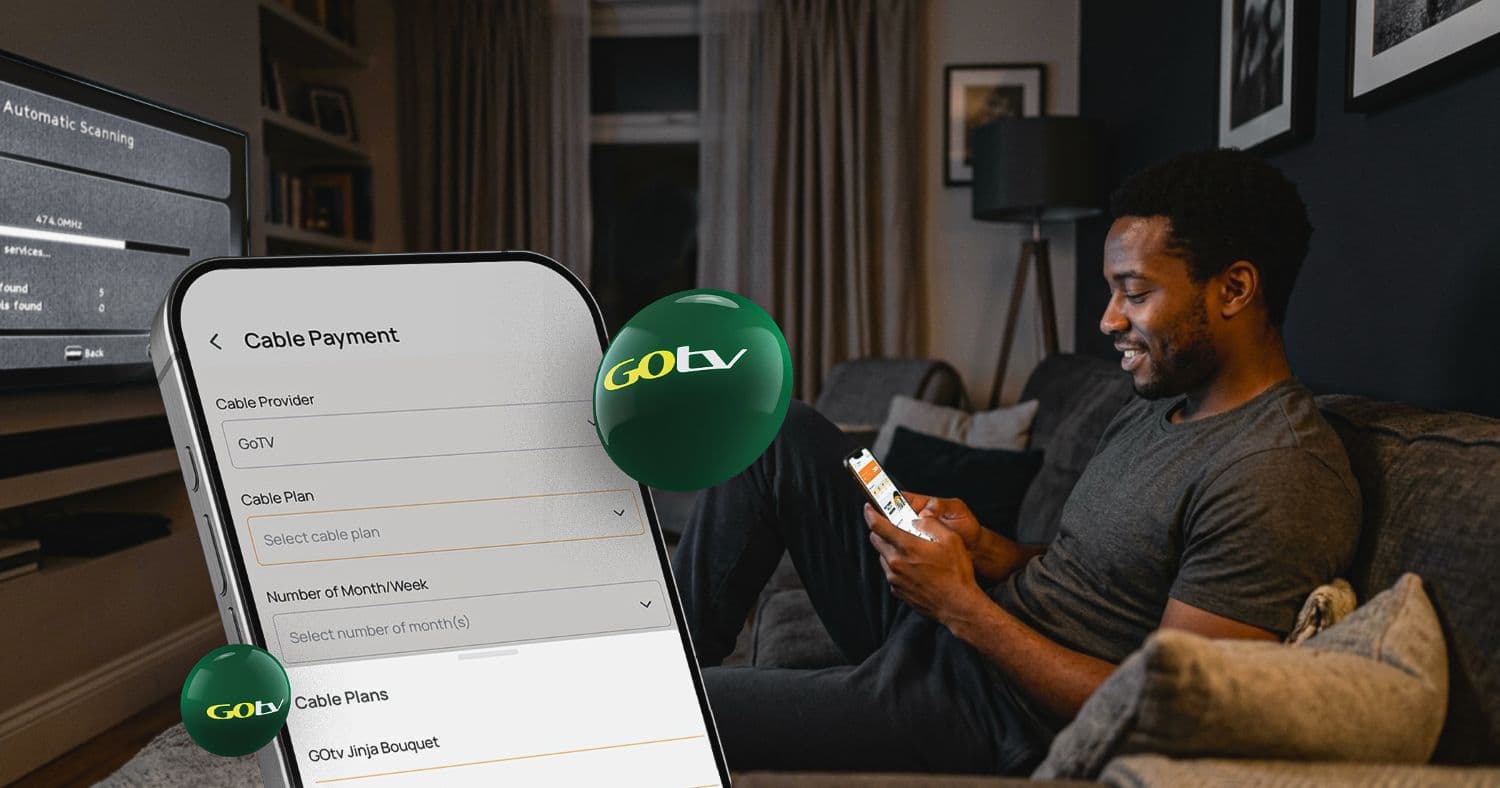
Well, most people don’t know that everything is possible with the internet; you can be in your home or anywhere, and you can simply reactivate your cable TV without visiting any physical office. You can pay for your cable TV subscription online, and you can do that on your phone and even on your computer.

DStv is arguably one of the best cable TV providers in Nigeria. They have different packages that even an average Nigerian can afford. On your first purchase, you’ll get a free one-month plan before you can pay for a subscription. When it’s time to pay for a DStv subscription, it’s very easy, quick, and convenient as long as you have an active internet connection, a smartphone, or a computer.
Without further ado, here are reliable ways to renew online!
Method 1: Renew via MyDStv Website
DStv have provided its customers with easy ways to renew their account directly on the MyDStv app or the official website. Using their official platform enables you to do more than just renew your plan. You can also fix the error codes associated with your decoder, renew subscriptions for others, and manage other account-related issues.
To use this option, follow the procedure below.
Step 1: Get Started
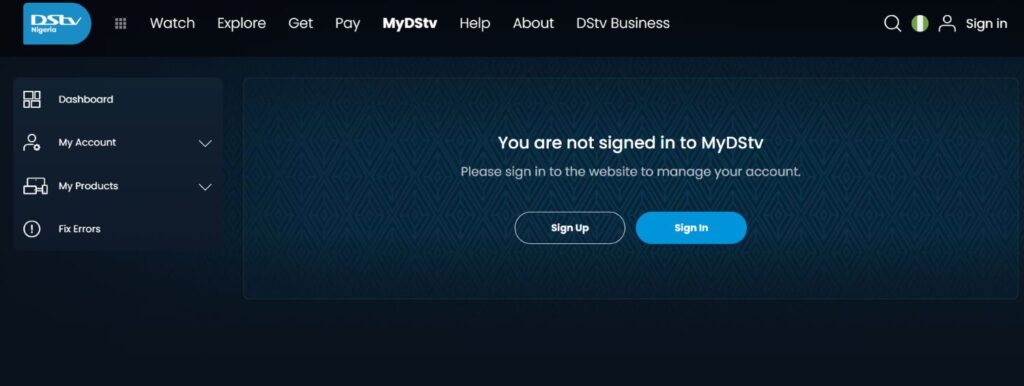
Visit the official DStv website and select your country, enter your Smartcard/IUC number, and click Verify. This authenticates your account and allows you to proceed to the next step. New users can simply log in with their email address or phone number and password.
Step 2: Select Pay
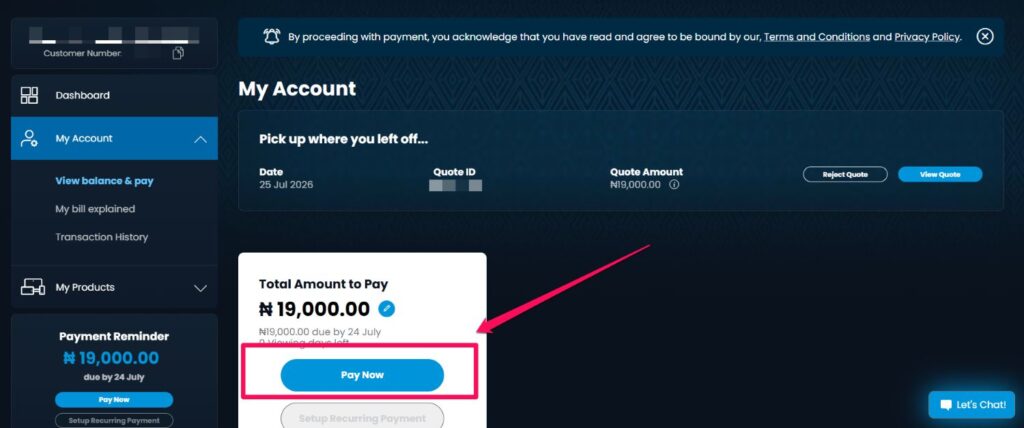
Select the “View Balance and Pay” button. This will let you view your summary layout, then select “Pay” to pull up your account holder profile details screen.
Step 3: Complete Transaction
Choose from the list of payment processors like eTranzact, Card Payment, or BankIT. Then input your banking credentials, generate your validation code, and confirm authorisation.
As soon as the payment is confirmed, your account will be reactivated, and all you can watch your favourite programs. Note: You may want to restart your decoder to restore access.
Method 2: Renew DStv via Bank
One of the benefits of using mobile banking is that you can easily send money across banks, and you can also pay bills easily. Every mobile banking app has a section that’ll allow you to make payments on Utility Bills, like electricity bills and Cable TV. Therefore, you can pay your DStv subscription via your bank and here’s how to do it.
Regardless of the banking app that you’re using, there’ll be a section where you can do different transactions aside from sending money from your bank to another bank or the same bank.
So follow these steps and try applying them to your mobile banking app.
Step 1: Install Your Preferred Banking App
Open your mobile banking app, whether it is Access, UBA, Zenith, Wema or even GTBank. But I’ll be using the ALAT by Wema digital banking app as an example for this tutorial.
While in the app, go to Payments and click on Pay Bills. For some mobile banking apps, this action might have a different name, but this will give you more insight into what to do.
Step 3: Select Cable TV Provider
So after clicking on Pay Bills, you’ll need to select the type of Bill you want to pay; therefore, click on Cable TV. Under it, you’ll see different Billers like Startimes, DStv, GOtv and so on. At times, you’ll see Multichoice (a combination of GOtv and DStv).
Step 4: Enter Smartcard Number
So after clicking on your Biller (DStv), you’ll need to enter your Smartcard Number, select the Package you want to pay for, and the amount will be displayed automatically.
Step 5: Complete Payment
Click on Next, but note that you’ll be charged N100 for any bill payment you make. Once your payment has been completed, you can check your email or DStv channels to confirm if your payment has gone through.
Method 3: Renew DStv via AirtimeFlip
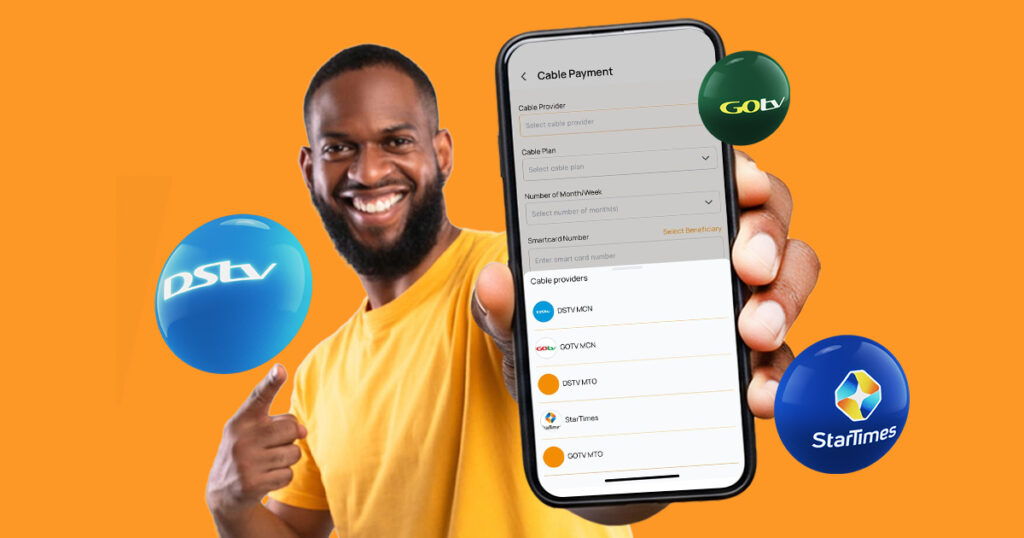
AirtimeFlip is another alternative you can use to pay for a DStv subscription online, and I’ll tell you it’s even more convenient than ever because you only need to sign up and do some minor things. To learn how to use AirtimeFlip to renew your Cable TV subscription, just follow this easy guide or the quick steps below. The good thing is that you can use their official mobile app or their direct website via a web browser.
Step 1: Get Started
The first thing you need to do is visit AirtimeFlip or download their Android and iOS app. PC users can use the web version. Afterwards, you’ll need to create an account, set it up and fill in the required details like your name, email, and phone number. Then check your email for the Email Verification that was sent.
Step 2: Verify Account
After verifying your email, you’ll need to verify your BVN, then set a Transaction PIN.
Step 4: Fund Wallet
After verifying your BVN, link your bank card, which will be used to fund your AirtimeFlip wallet. Ensure you have money in your linked bank account, then click on Add Funds, select the Funding method (Fund With Bank or Fund With Card).
Step 5: Select Service Type
After successfully funding your account, go to Services on your AirtimeFlip account Dashboard and click on Pay Bills. Under “Pay Bills”, select “Cable TV”, select “TV Service (DStv)”, select “Plan”, and type in your “Smartcard number”, the DStv Package you want to pay for and the amount.
Step 6: Complete Transaction
Lastly, you will be required to enter your secure PIN to verify the transaction. As soon as it is confirmed, your DStv account will instantly be renewed, and you can start watching all of your favourite shows.
Once done, you’ve successfully subscribed to your DStv online with AirtimeFlip. Now, check your DStv channels to confirm if the payments have gone through. While that is done, you can still use your AirtimeFlip account to buy airtime online, exchange airtime for cash and even pay other utility bills like internet bills, water bills and so on.
Conclusion
Paying your DStv subscription online is very easy; there are different ways in which you can do that, and most of these methods don’t require you to go to any offices for renewals. With the methods above, you can reactivate your subscription online anytime, and on any day, even during holidays. You can explore different ways you can renew your DStv bouquet on the DStv Selfcare portal.
I hope you find this article very helpful, and if you do, don’t forget to share it with friends via your social media handles. Also, if you have a comment you’d like to make, kindly use the comment box, and we will be sure to give you a response as soon as possible.