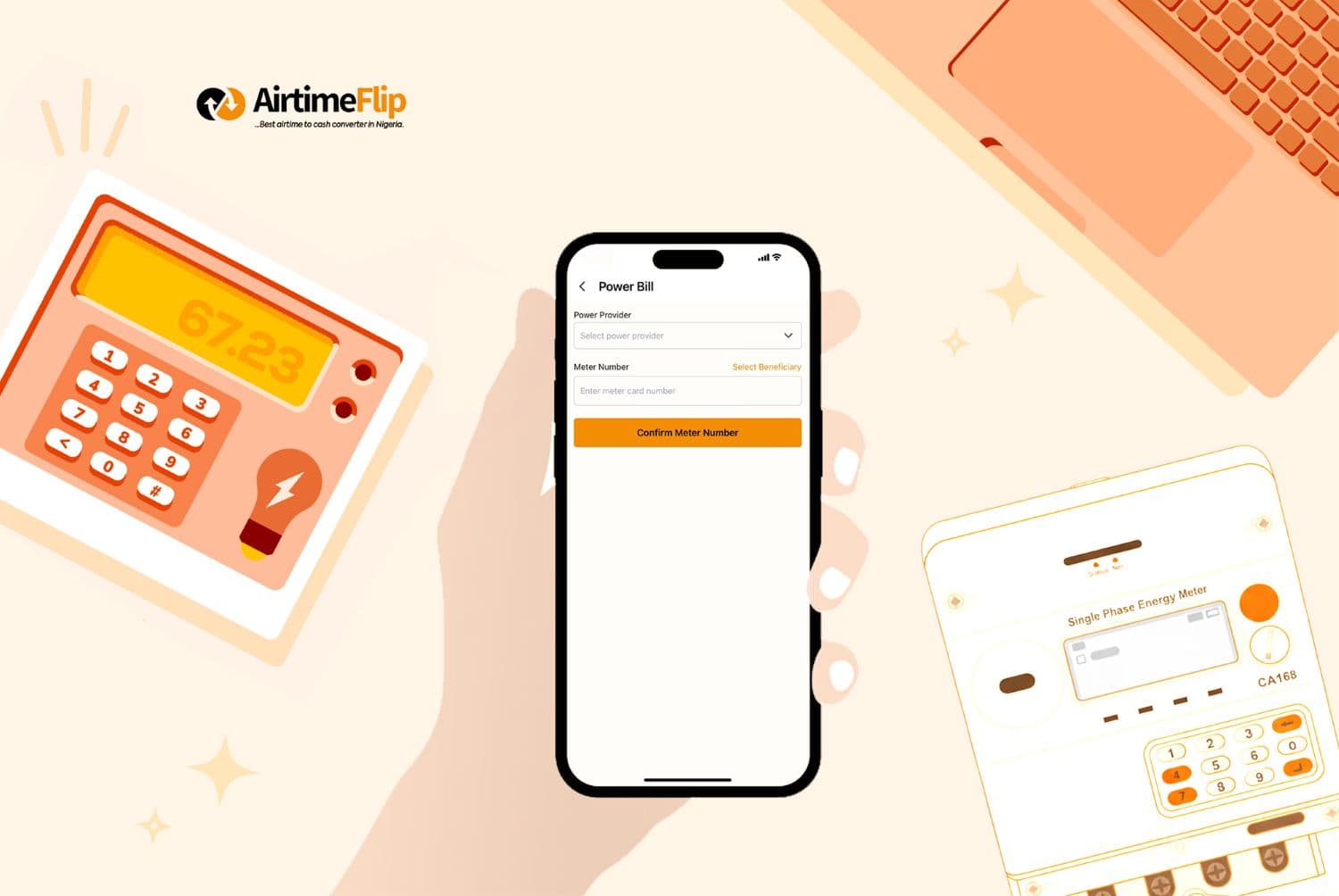
Gone are the days when paying electricity bills was solely dependent on PHCN or NEPA offices around our vicinity or distant locations. While that proved to be effective enough, times have changed, and things are now getting better. Often, you just need your mobile phone and internet connection to do things that require you to leave your home. Learn the easiest ways to buy electricity tokens in Nigeria, including using AirtimeFlip.
The internet has made it possible for you to convert excess airtime or plenty of airtime to cash effortlessly on your smartphone or PC. These days, almost every Nigerian home uses prepaid electricity, and it comes with a meter and a prepaid card. The native way is to always take the prepaid card to a nearby PHCN office to recharge it, but that’s old-fashioned. Now, there’s a faster and more effective way to buy prepaid meter tokens online, and that is by doing it online.
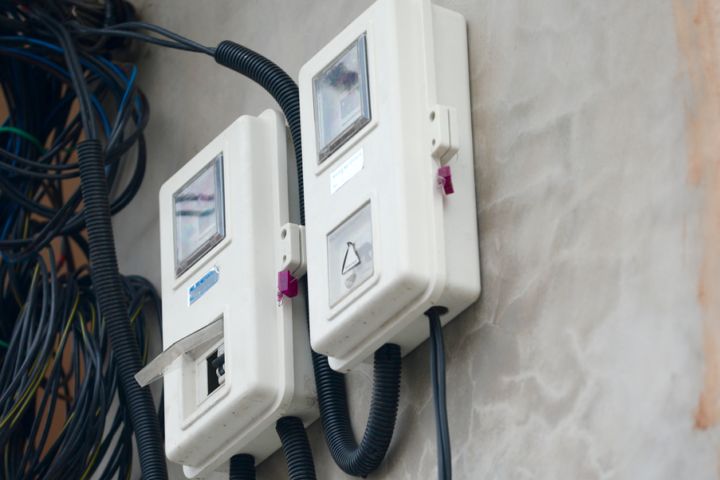
3 Ways to Recharge Prepaid Meter
Aside from visiting one of their physical offices, there are various convenient ways you can buy your token without leaving your house, and they include using:
Official DISCO Websites or Apps:
Some DISCOs have provided apps or direct access to their websites for you to conveniently pay your bills, and one of those is EKEDC. For example, the official platform for managing Eko Electricity Distribution Company accounts is the “EKEDP Power App”, which allows you to buy tokens, pay bills, and track energy usage.
Bank Apps:
Most banking platforms now support bill payment. If there is an official app for your preferred bank, there is certainly a way to recharge your prepaid meter by simply navigating to the utility section and completing the transaction by following subsequent prompts or guidelines. This option is only available to those who have authorised their mobile app banking on their account.
Third-party Platforms:
Lastly, one of the easiest ways to avoid stress is to use an online platform for purchasing electricity postpaid or prepaid meter tokens. Several third-party platforms allow you to recharge your meter, and we’ll spotlight one of them below.
If your electricity meter runs out at midnight, and it’s not possible to visit any of their offices off-hours, use a platform like AirtimeFlip.
What is AirtimeFlip?
AirtimeFlip is an online platform in Nigeria that buys Airtime in exchange for cash and is also known for paying utility bills like electricity, education, internet and renewal of cable TV subscriptions, etc. They offer arguably one of the fastest services when it comes to bill payments in Nigeria.
That being said, you can recharge via their official AirtimeFlip website or mobile app, which is available for Android users only.
How to Pay Electricity Bill With AirtimeFlip
We have already covered a detailed guide on how to pay your electricity bill, but you can follow this quick guide below.
1. Visit AirtimeFlip Website
Visit the official AirtimeFlip website on your PC or mobile phone. The website is very responsive, so regardless of the device you use to visit it, you’ll be able to navigate through the website and get things done easily.
2. Create An Account or Log in to An Existing One
As a first-timer on the AirtimeFlip website, before you can do anything on their website, you’ll need to create an account, and even if you have an account already, you’re still required to log in before you can make transactions.
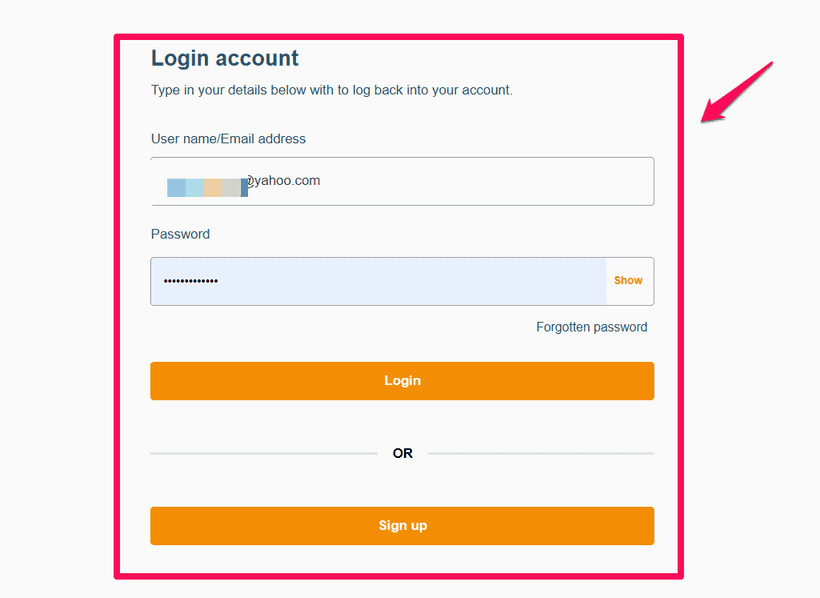
Click on Get Started (this is for new users), then fill in your details like Full Name, Username, Email and Password. Then agree to the terms and click on the Sign-Up button.
3. Confirm Email & Complete Profile
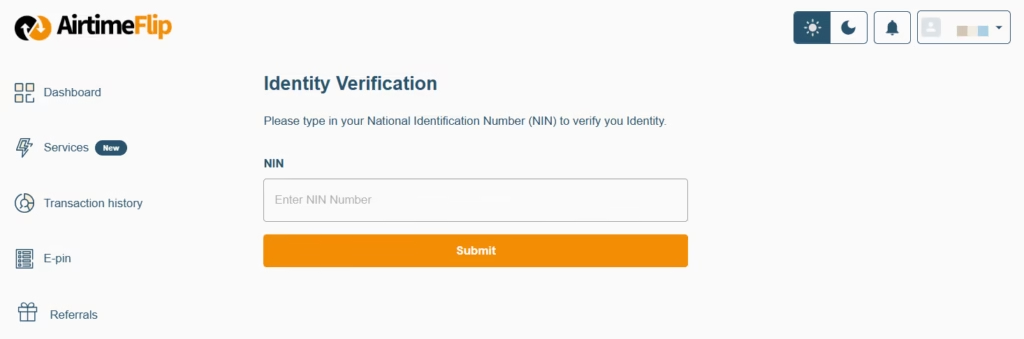
A confirmation email will be sent to your email address. Go to your inbox and click on the given link to verify your email. Once you’ve verified your email, you’ll need to complete your profile by doing the following: adding a bank account, creating a transaction PIN and linking your BVN.
4. Adding Funds to the Wallet
Once you’ve done everything in Step 3, you’ll need to add money to your account. You can add the total amount of the electricity bill you want to pay, and maybe a little token.
Click on Add Funds or Wallet. Then fund with a bank or fund with your ATM card (Note that a 1% wallet funding fee applies).
5. Paying Bills
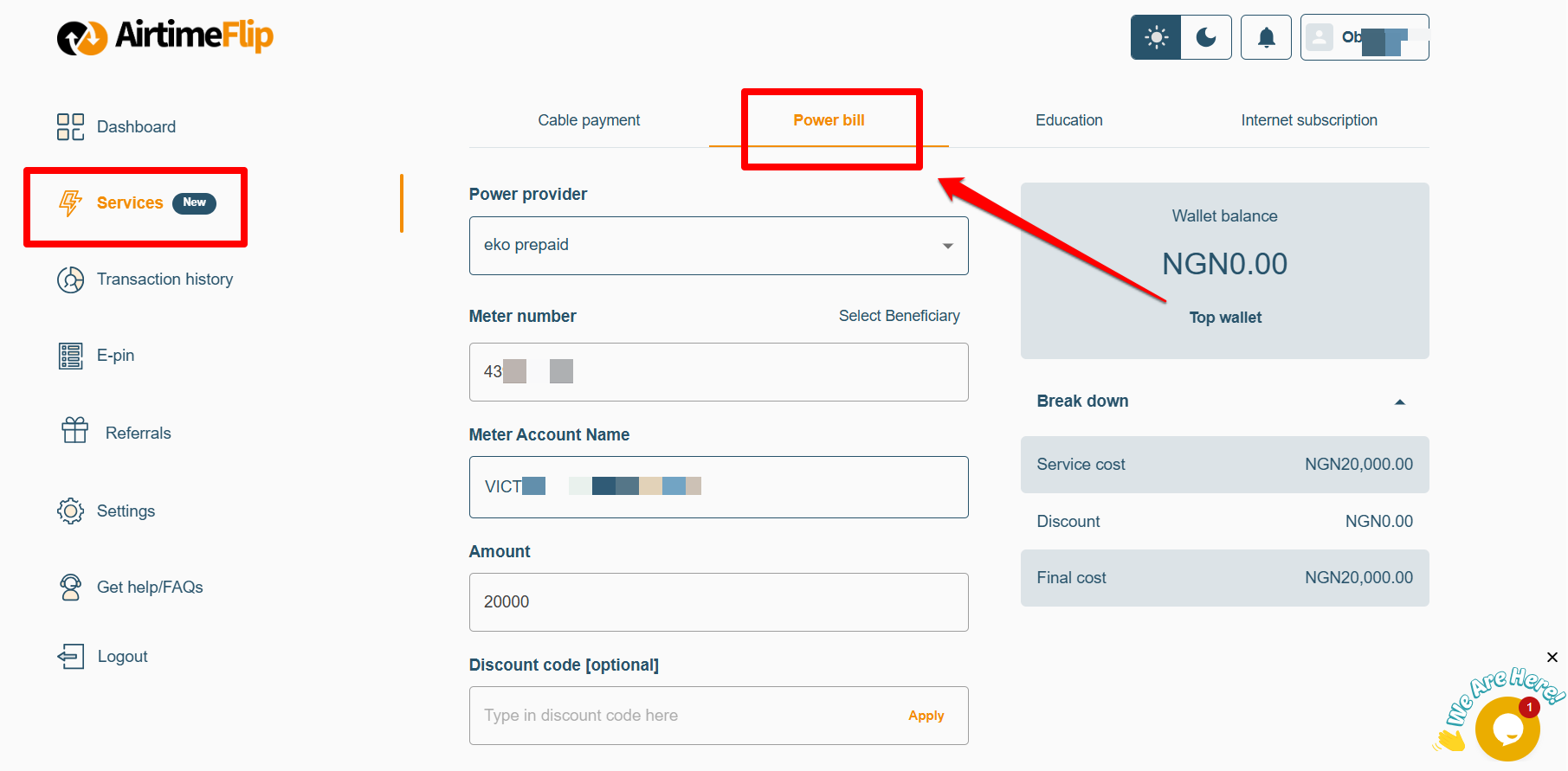
After adding funds to your account, click on Pay Bills and choose the type of bill payment you want to make. Click on ‘Power Bill’ and select your prepaid electricity meter provider, then enter your ‘Meter Number’ and the amount you want to pay, then click on “Proceed”. Charges will be applied.
Step 6. Getting Your Token
Once your payment is successful, your 20-digit token will be sent to your email, or it will come out as a notification message inside your AirtimeFlip account dashboard.
Using the AirtimeFlip App
This should serve as an alternative to using the AirtimeFlip website. For those who prefer the mobile app, this option is for you. Simply follow the guidelines below to get started.
- Step 1. Download the AirtimeFlip app from the Google Play Store or App Store for Android & iOS devices.
- Step 2. Create an account or log in with an existing account you already created. Complete your profile by providing the needed information.
- Step 3. To add funds to your AirtimeFlip Account, just click on the ‘Wallets’ or ‘Add Funds’ button, then you’ll select the method you prefer to add funds to your account.
- Step 4. Once funds have been added, under ‘Quick Services’, scroll left to find ‘Power Bills’, select your ‘Power Provider’, enter your ‘Meter Number’ and amount. Then input your ‘Transaction PIN’ and click the ‘Proceed’ button to make payments.
- Step 5: Once payments have been made, your token will be sent to your email or your AirtimeFlip email inbox. Power will be restored in your apartment as soon as you recharge the 20-digit token sent to you.
Conclusion:
Recharging your prepaid electricity meter online is one of the easiest ways to save time and avoid unnecessary trips to your electricity provider’s office. Whether you choose to use your bank’s mobile app, your electricity distribution company’s official platform, or a trusted third-party service, buying electricity tokens has never been more convenient.
If you’re looking for a fast and reliable option, AirtimeFlip makes it easy to pay electricity bills from anywhere in Nigeria in just a few steps. Beyond electricity payments, you can also buy airtime and data, convert excess airtime to cash, pay other utility bills, purchase gift cards, buy eSIMs, and access several other digital services, all from a single platform. Read more about AirtimeFlip.