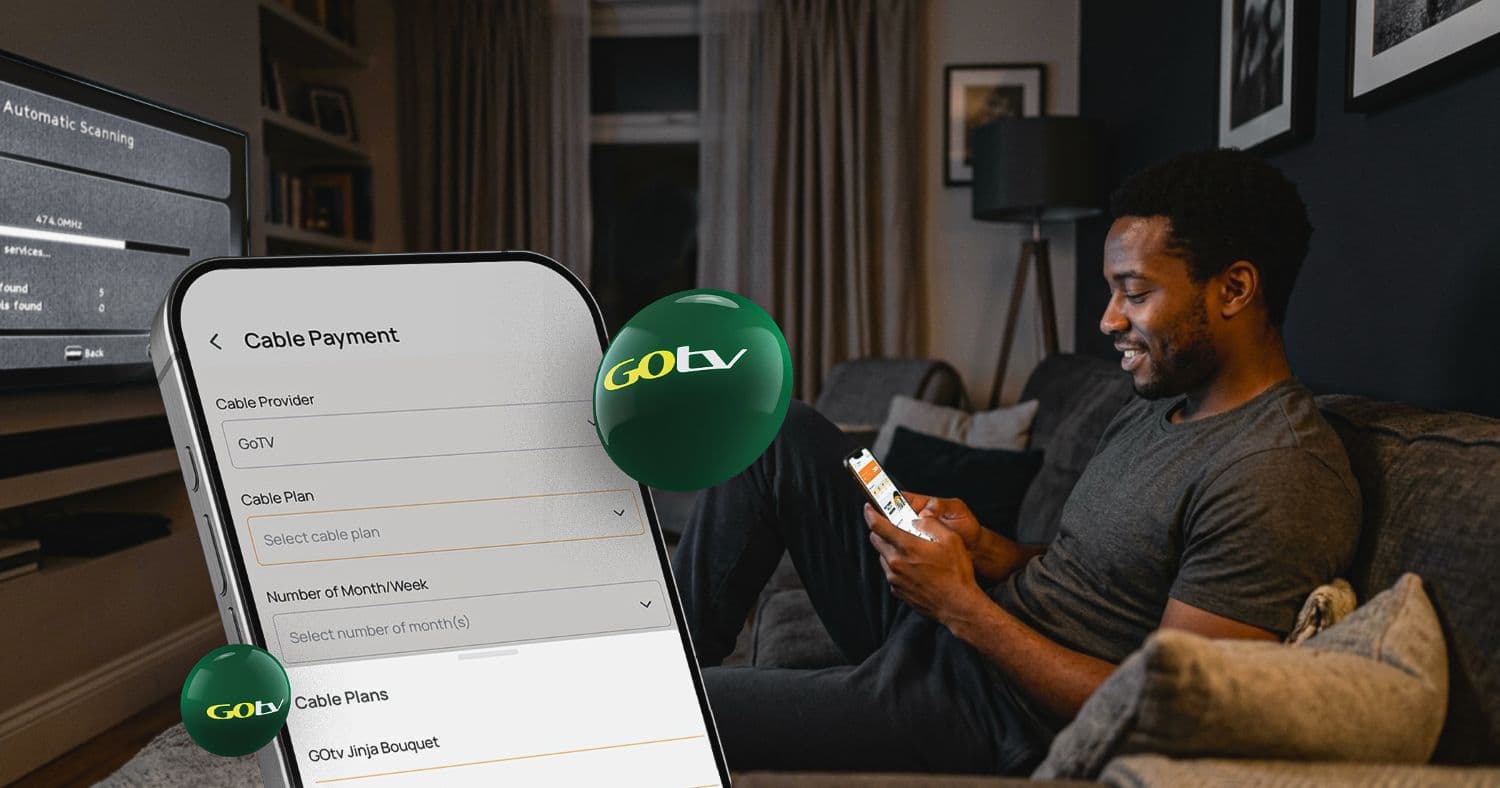
Gone are those days when one would be locked in and enjoying a cool movie or a thrilling football match, and suddenly your GOtv sub expires. The thought of going to a GOtv office or payment centre can completely set the mood off. Thankfully, you no longer have to leave your house. If you want to renew your GOtv subscription online right now, here are the easiest ways to do it.
You’ve arrived at the place where you’ll find all the latest methods and the easiest approach to get it done. In fact, renewing your GOtv packages online is just like buying airtime or data online. Now you don’t need any further stress; everything can be done directly at your own convenience.
Without further ado, here are all the ways to get to pay for your GOtv subscription:
Method 1: GOtv Website
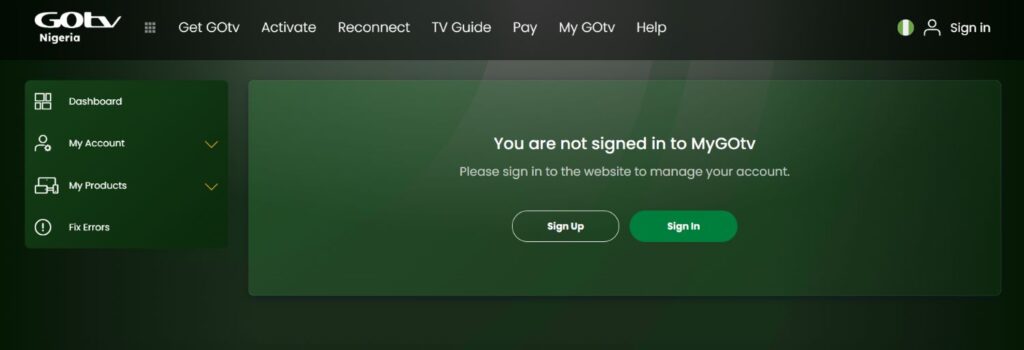
There’s an official website powered by GOtv that makes it possible for users to manage their accounts, make payments online and much more. So far, it is the primary destination for renewals and is usually recommended by GOtv customer support.
Follow the steps below to get started:
1. Visit GOtv Website
Visit the official GOtv website and click the sign-up button. You’ll be asked to get your MultiChoice ID. Enter your email, phone number and password. Then generate your ID; also click the button that says “Link Your GOtv Account”. Provide your smart card number or customer number to find your GOtv package.
2. Select Your Subscription
Once your account has been identified. You can go ahead and view your current GOtv plan and select which one you want to renew.
3. Make Payment
Select your preferred payment option. Review the amount and subscription information before confirming the transaction. Once your payment is successful, your GOtv will be renewed.
Note: If your decoder was disconnected because the previous subscription expired, you may need to keep it switched on for the service to be restored.
Method 2: Banking Apps
Another known method is to use your preferred Nigerian bank app. It can be either commercial bank apps or even digital banking platforms. In Nigeria, many banking apps have the bill payment option, under which the GOtv sub renewal falls.
Note: Banking apps have different interfaces, so the exact menu mentioned here might be different from yours, but the process is generally similar.
1. Open Your Banking App
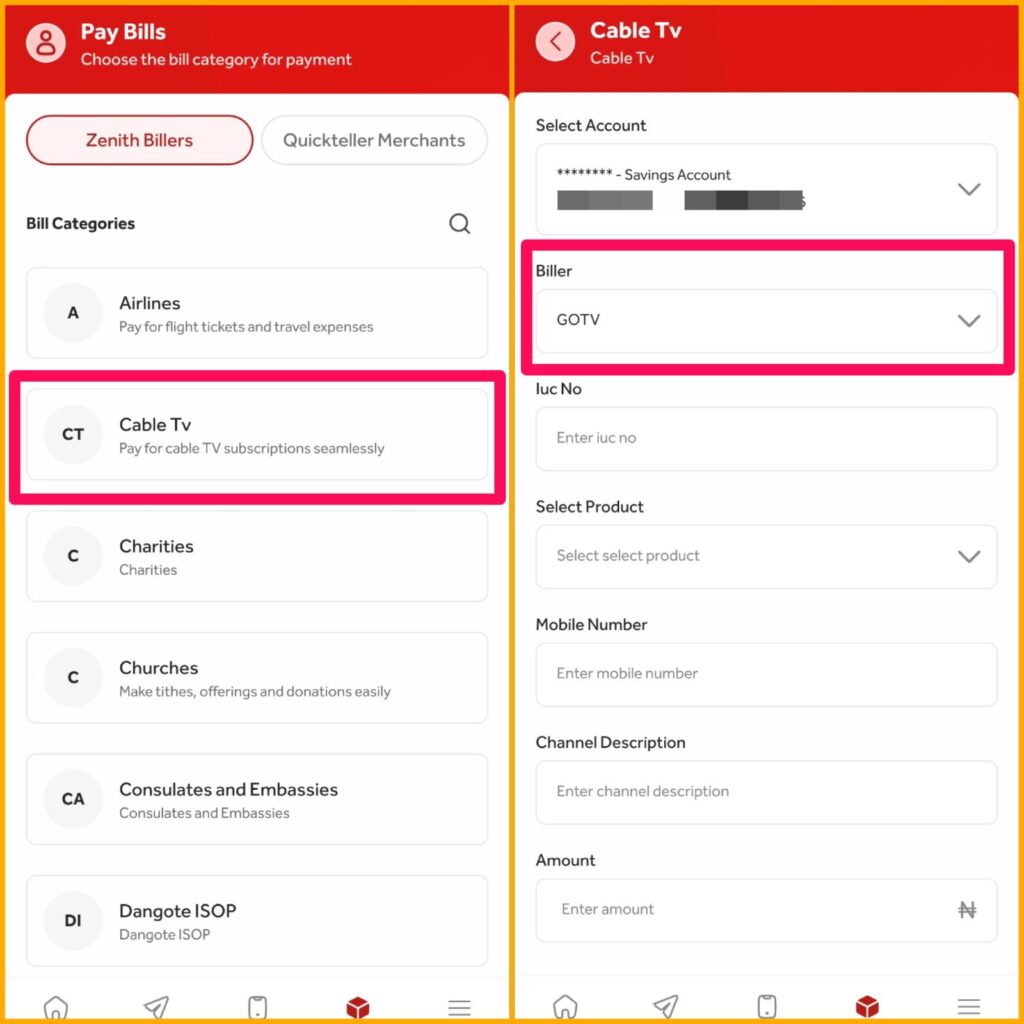
Log in to your preferred mobile banking app and look for the services. Under Services > Bills and Recharges.
2. Select TV and Provide Details
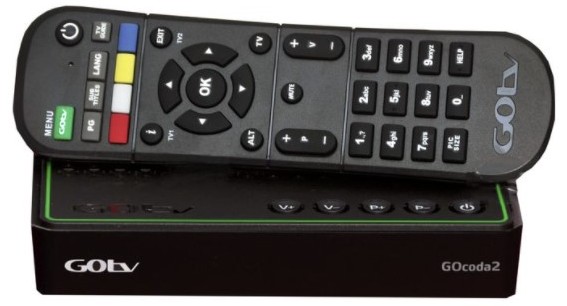
Click on TV, and you’ll see a list of billers. Choose GOtv as your preferred biller choice. Select the GOtv plan you want to purchase and enter your decoder number (IUC). Kindly confirm the details provided are accurate.
3. Complete Payment
Click on ‘Purchase’ and enter your transaction PIN. Once successful, your balance will be deducted, and your GOtv plan will be restored.
Method 3: AirtimeFlip Platform
Finally, you can also use a reliable third-party utility platform like AirtimeFlip to renew your GOtv subscription online. This platform allows you to make cable TV payments directly from your AirtimeFlip account, using either the website or mobile app.
Here’s how it works:
1. Get Started
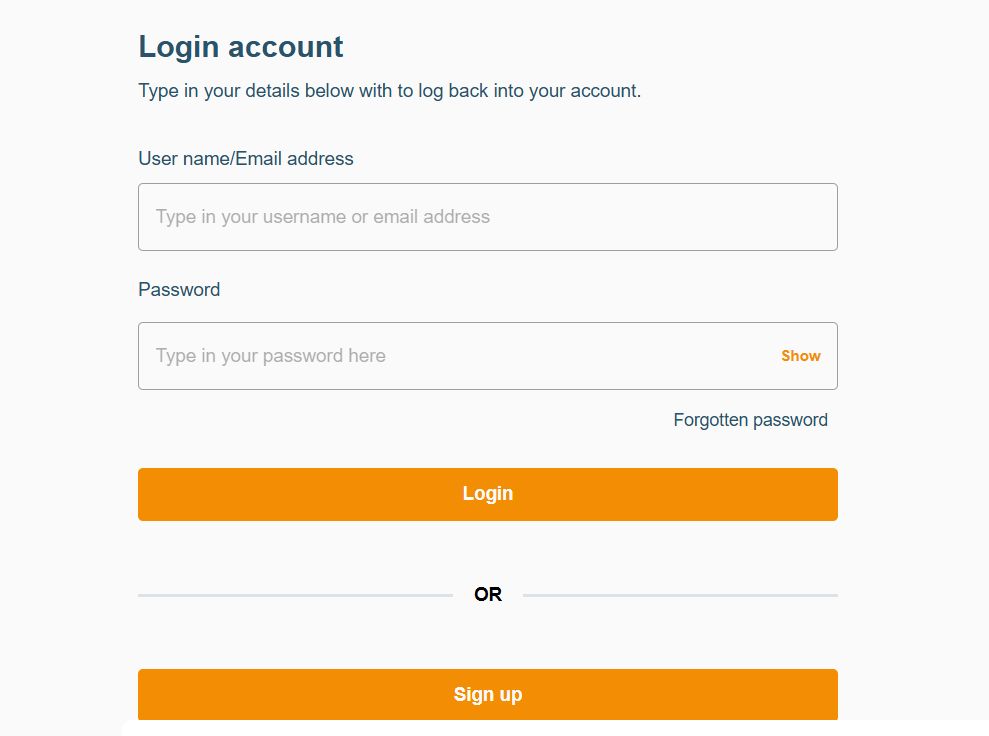
Visit the AirtimeFlip website or download the AirtimeFlip Android or iOS app. Create an account or log in if you’re already an existing customer.
2. Verify Your Account
Newly registered users must complete mandatory NIN verification. On the AirtimeFlip dashboard, click the verification task and provide your NIN details.
Note: Verification is mandatory before you can perform any transaction on AirtimeFlip.
3. Fund Your Wallet
On your AirtimeFlip Dashboard, click “Fund Wallet” and choose your preferred funding option. You can add money using a bank transfer or debit card. Note: Add a little extra for the 1% funding fee. Learn more about wallet funding.
For example, let’s assume you’re renewing the GOtv Ginja Bouquet, which costs N3,900. Make sure to add an additional N39 (1% fee), bringing your wallet credit total to N3,939.
4. Select Cable Provider
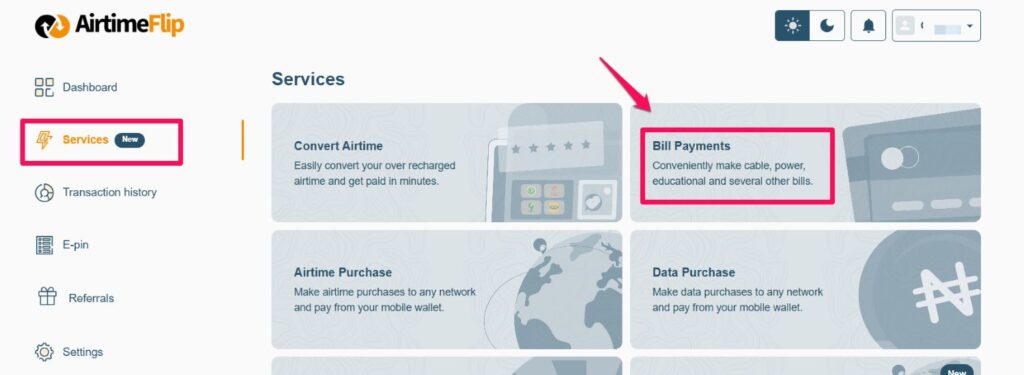
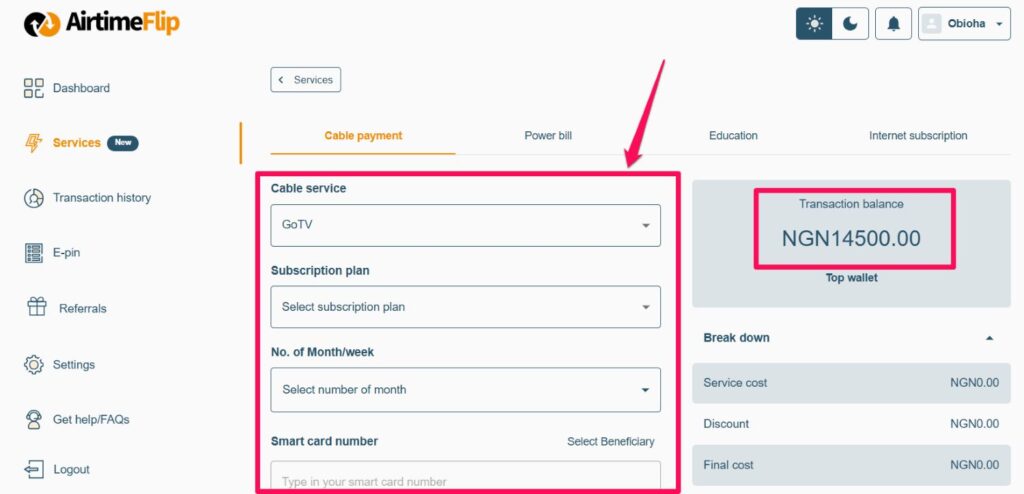
Once your AirtimeFlip account has been funded. Go to “Services” > “Bill Payments” > “Cable Payment”.
5. Provide Details
Under “Cable Service”, select “GOTV”, then choose your preferred “Subscription Plan”. Select your preferred “No. of Month”. Enter your “GOtv IUC number” and review the account information and subscription details displayed.
6. Complete Transaction
Click “Purchase”, enter your 4-digit AirtimeFlip transaction PIN, and confirm the payment. Your GOtv account will be renewed instantly after the successful transaction. Make sure your decoder is switched on to avoid service disruption.
FAQs
What do I need to renew my GOtv subscription?
- You typically need your GOtv IUC number, a supported payment method and enough funds to pay for your selected package. If you’re using AirtimeFlip, you’ll also need a verified account with sufficient wallet balance.
Can I renew my GOtv subscription with airtime using AirtimeFlip?
- Yes, you can use AirtimeFlip to renew your GOtv subscription, but you cannot pay for the GOtv subscription directly with your airtime balance. If you have excess or unused airtime, you first have to convert your airtime to cash on AirtimeFlip and then use the money in your AirtimeFlip wallet to pay for your GOtv subscription.
Can I renew my GOtv subscription before it expires?
- Absolutely. You can renew your GOtv plan before it expires. However, always double-check the selected package before completing the transaction on your preferred payment platform.
What happens if I enter the wrong GOtv IUC number?
- Entering the wrong IUC number could result in your payment being applied to another GOtv account. Please make sure to always double-check the decoder number and the account details displayed before payment.
Conclusion
Just like DStv account renewal, renewing your GOtv account does not always require visiting their physical office; you can now do this directly on their website, your preferred banking app or a reliable third-party platform like AirtimeFlip. With these options, you can simply reconnect your inactive GOtv account on your phone.
If you already use mobile banking, your preferred bank’s app may be the quickest option. Nevertheless, if you prefer paying all your bills and other digital services in one place, then AirtimeFlip is an excellent option to consider. Whichever option you settle for, make sure you enter your GOtv IUC number correctly and keep your decoder switched on after payment so you can continue watching all your favourite channels and shows.